Using Elementor’s Full Width Page Template
The full width page template allows you to override the default page width and use a full width design on any theme.
- Create a new page
- On the right side you will see a settings box called Page Attributes.
- Click on the Template drop-down menu, and look for the Elementor Full Width option.
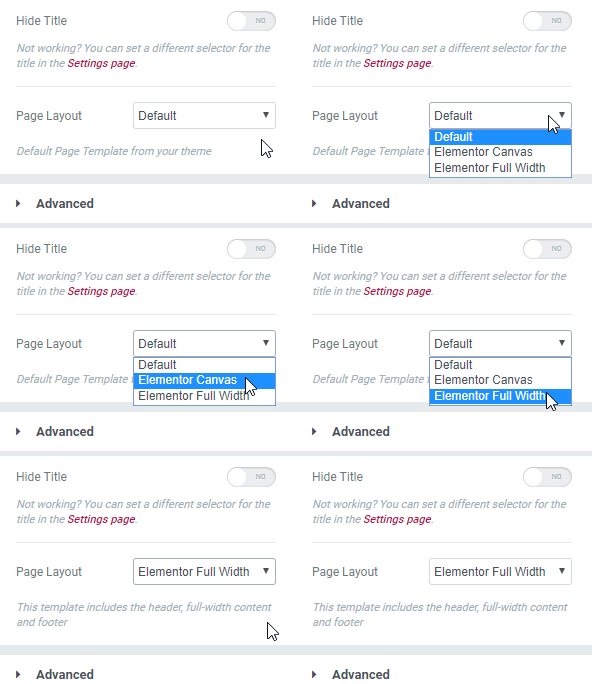
- If you’re already editing with Elementor, click the settings wheel on the bottom left, go to Page Layout, click on the drop-down list, and choose Elementor Full Width