Using Elementor’s Canvas Page Template
The Canvas Page Template removes your Header and Footer and Sidebars.
This is great for creating specific pages inside your website, pages such as: landing pages, coming soon pages, maintenance mode pages etc.
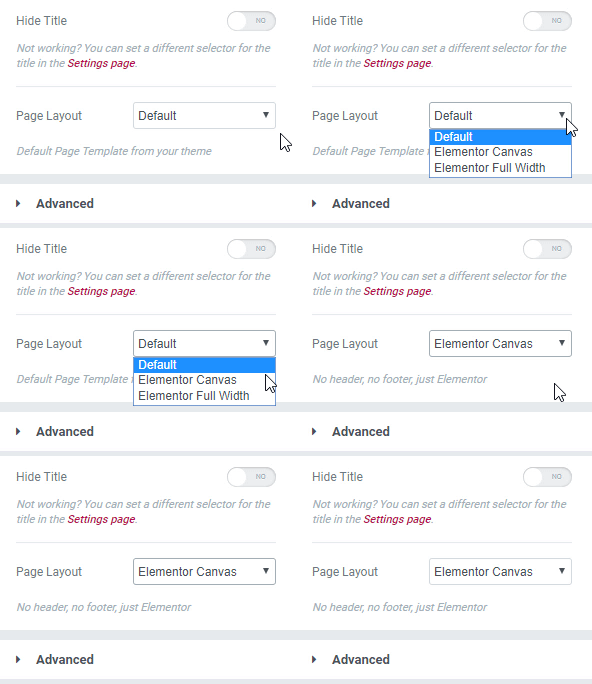
- Create a New Page, and Edit with Elementor.
- Click on the settings icon
 on the Left side, and under Page Layout look for the Elementor Canvas option
 on the Left side, and under Page Layout look for the Elementor Canvas option