
Custom CSS
With Elementor Pro, you can add custom CSS to every Section, Column or Widget.
Add Custom CSS to Elements
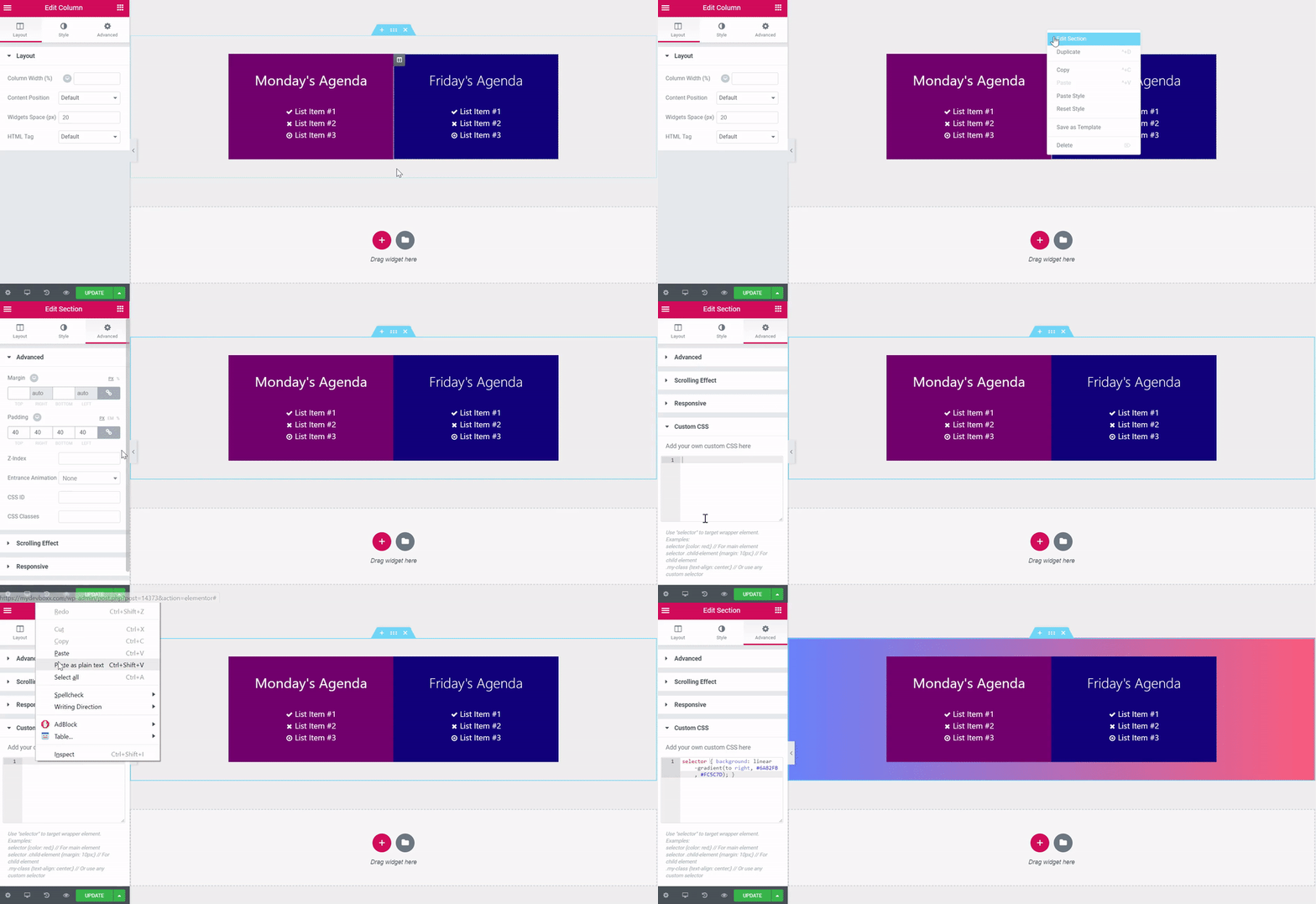
- Right-click on the edit button of the element and click Edit section to open the section’s settings panel.
Note: If editing a Widget, right-clicking will show the option to Edit Widget, and editing a Column will show Edit Column.
- Go to Advanced > Custom CSS
- Add your CSS code for the element to the editor.
Please note: When targeting your specific element, add `selector` before the tags and classes you want to exclusively target, i.e: selector a { color: red;}