
If you are experiencing an issue with your current version of Elementor, this tool enables you to roll back to a previous version before the issue appeared.
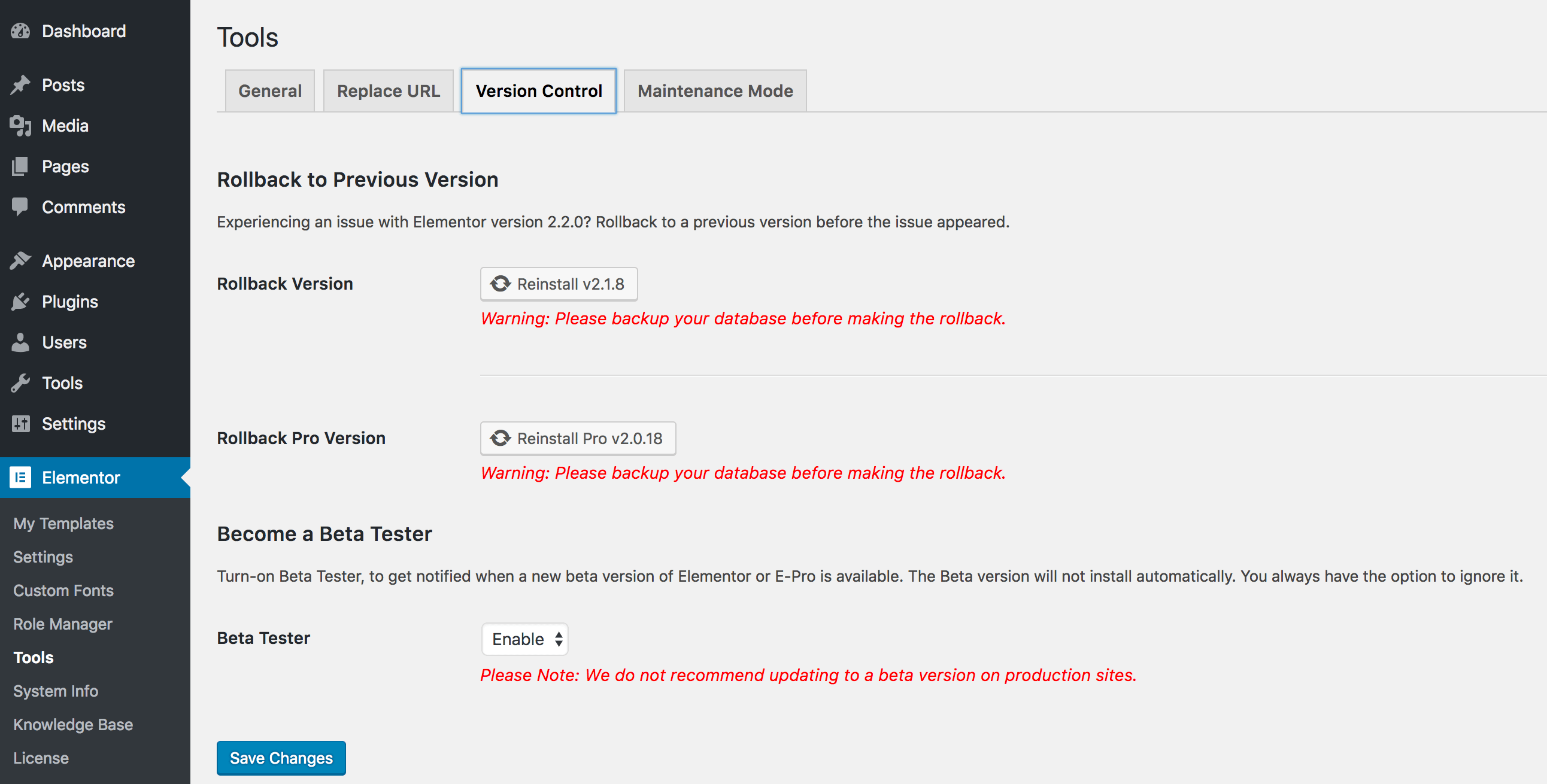
- Go to Elementor > Tools
- Click the Version Control tab
- Click the Reinstall button. This will reinstall the last version prior to the installed one.
Important! Always backup your database before making changes such as rolling back.