
Adding Suppliers and Purchase Prices to Products
After adding a supplier to ATUM, you can add it any of your products. You can also add the purchase price to your product. The purchase price is the amount you pay the supplier for the specified product.
To Add a Supplier:
- In WordPress, go to Products.
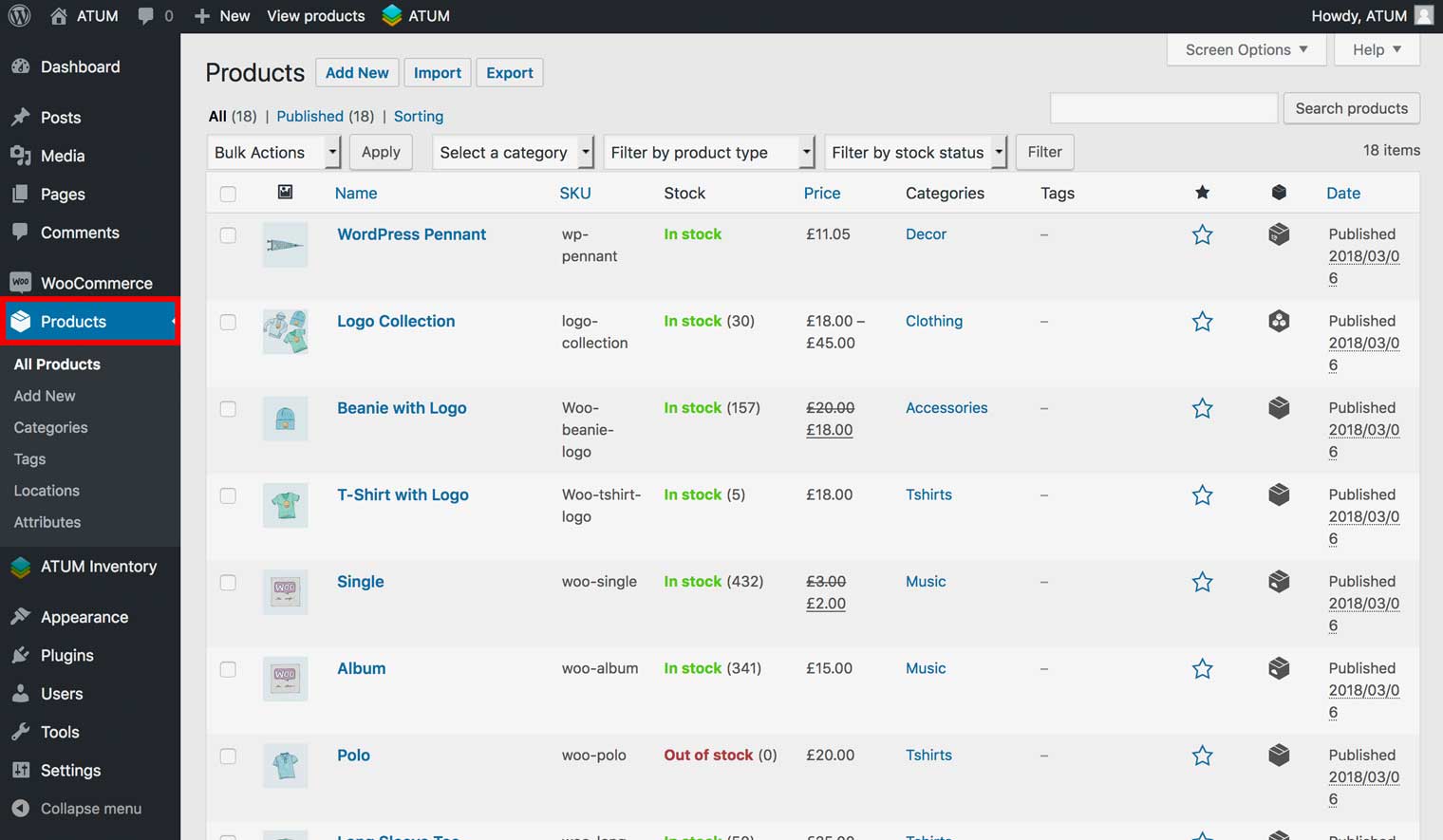
- Click Edit for the product you want to edit.
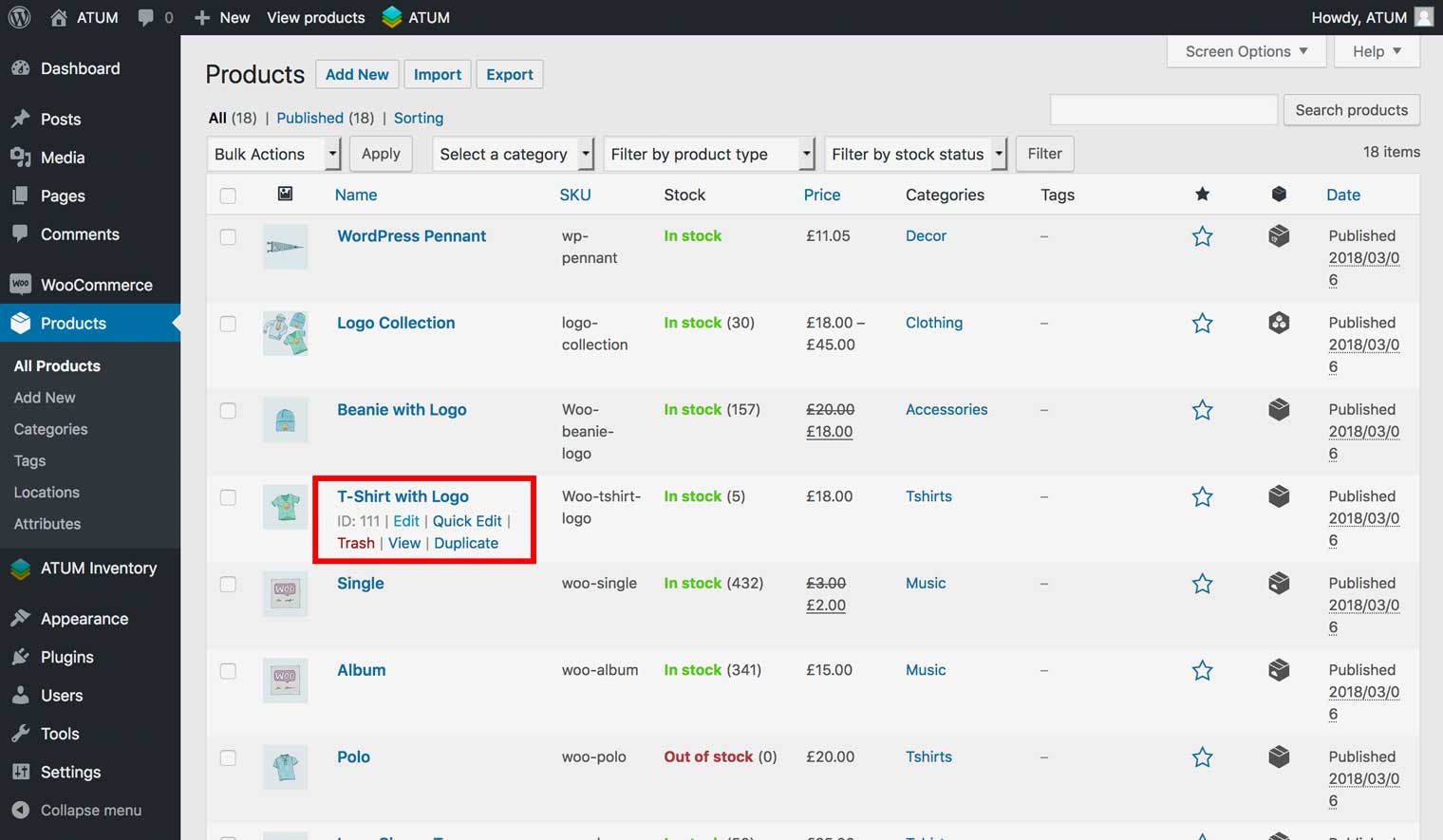
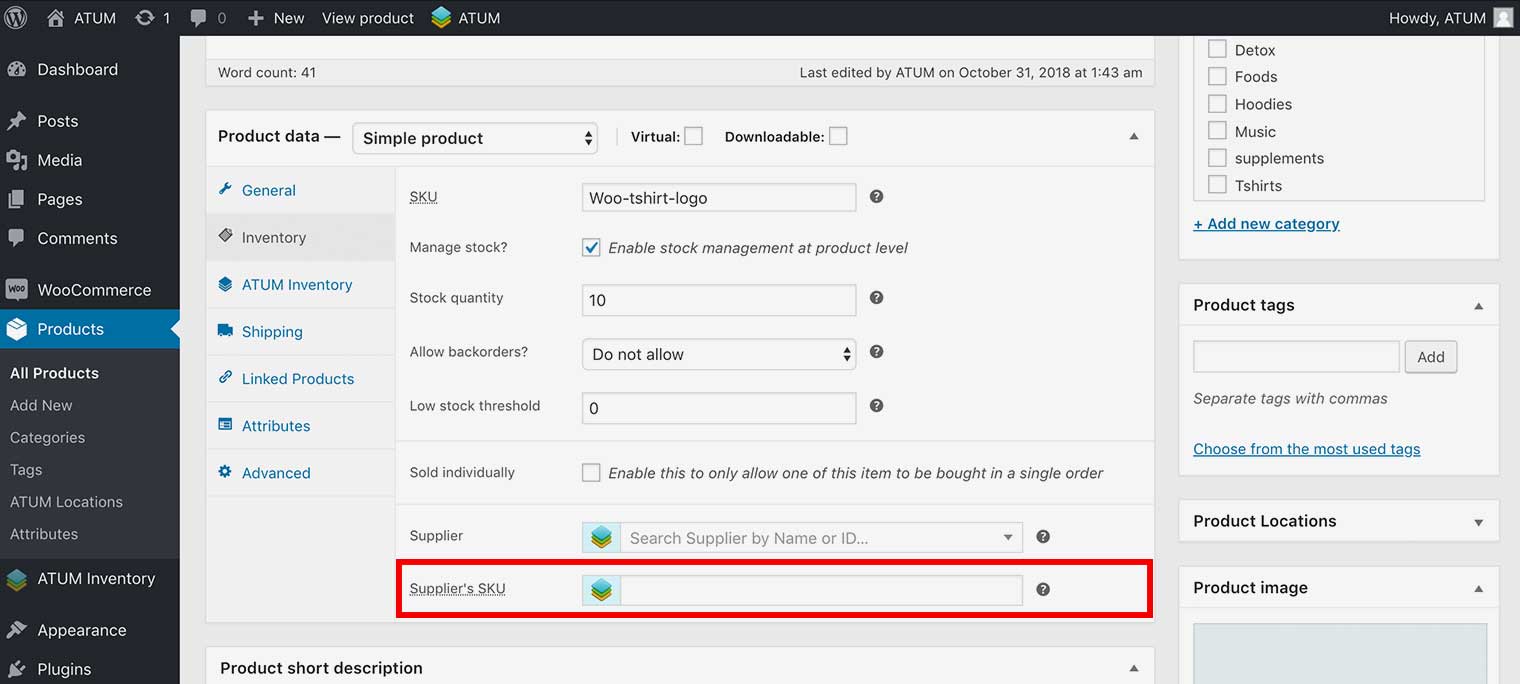
- On the Edit product page, go to Product Data > Inventory.
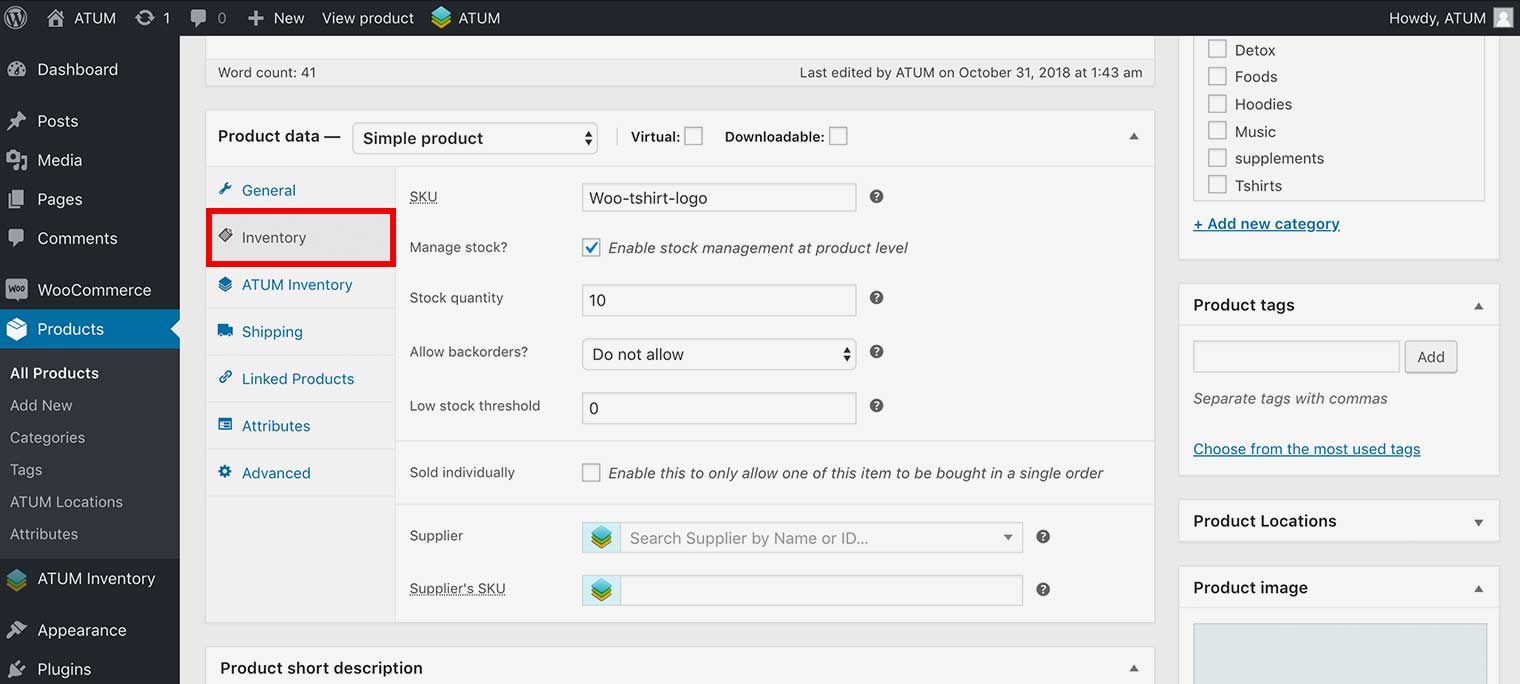
- Select the supplier you want to add to the product.
NOTE:The system automatically displays suppliers containing the text you enter beneath this field.
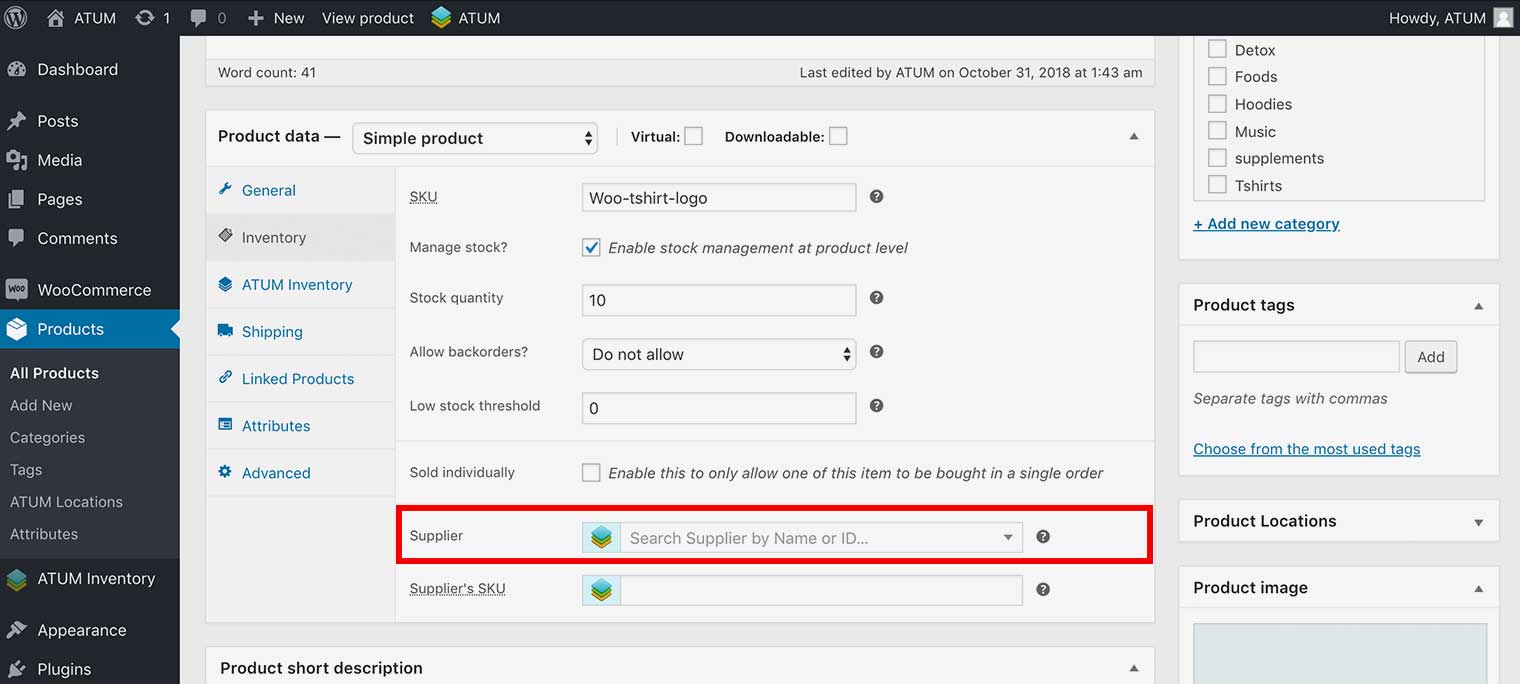
- Enter the supplier’s stock keeping unit (SKU) in the Supplier’s SKU field.
To add the Purchase Price:
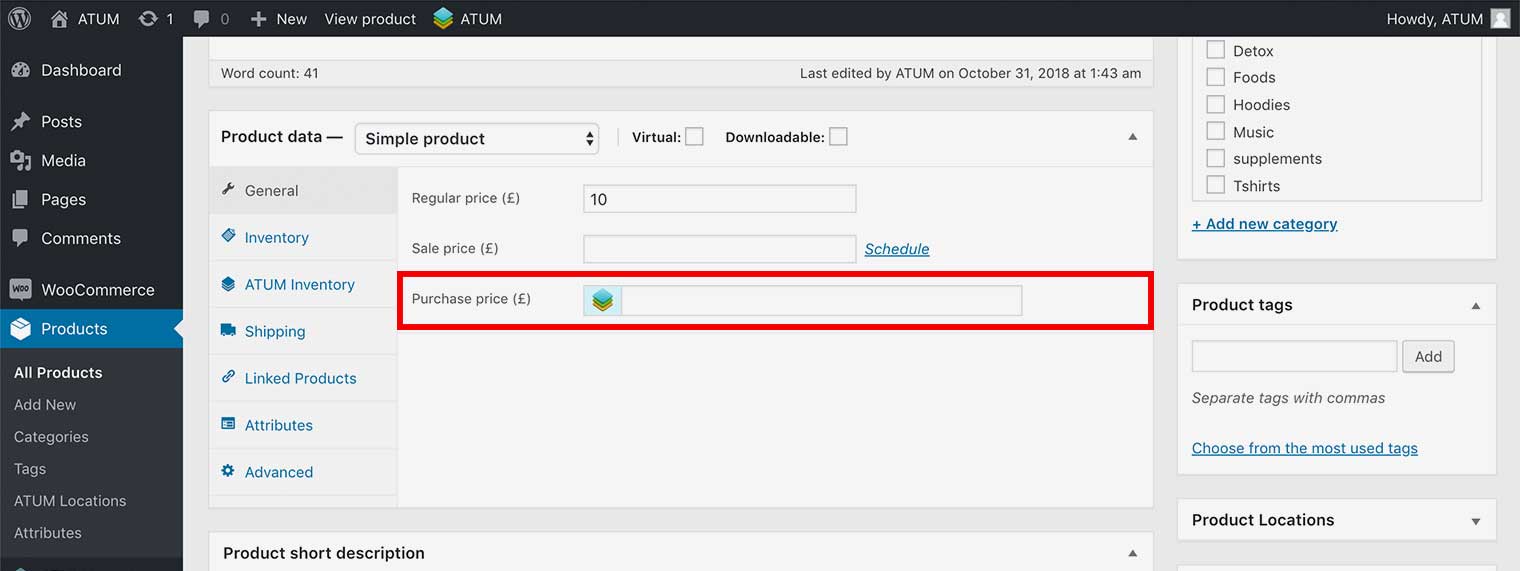
- Go to Product Data > General.
- Add the price you pay the supplier for the product in the Purchase price field.
- To activate changes click Update the product at the top right..