Multi-Inventory Actions
There are two ways to apply actions in Multi-Inventory records, single or bulk actions.
BULK ACTIONS
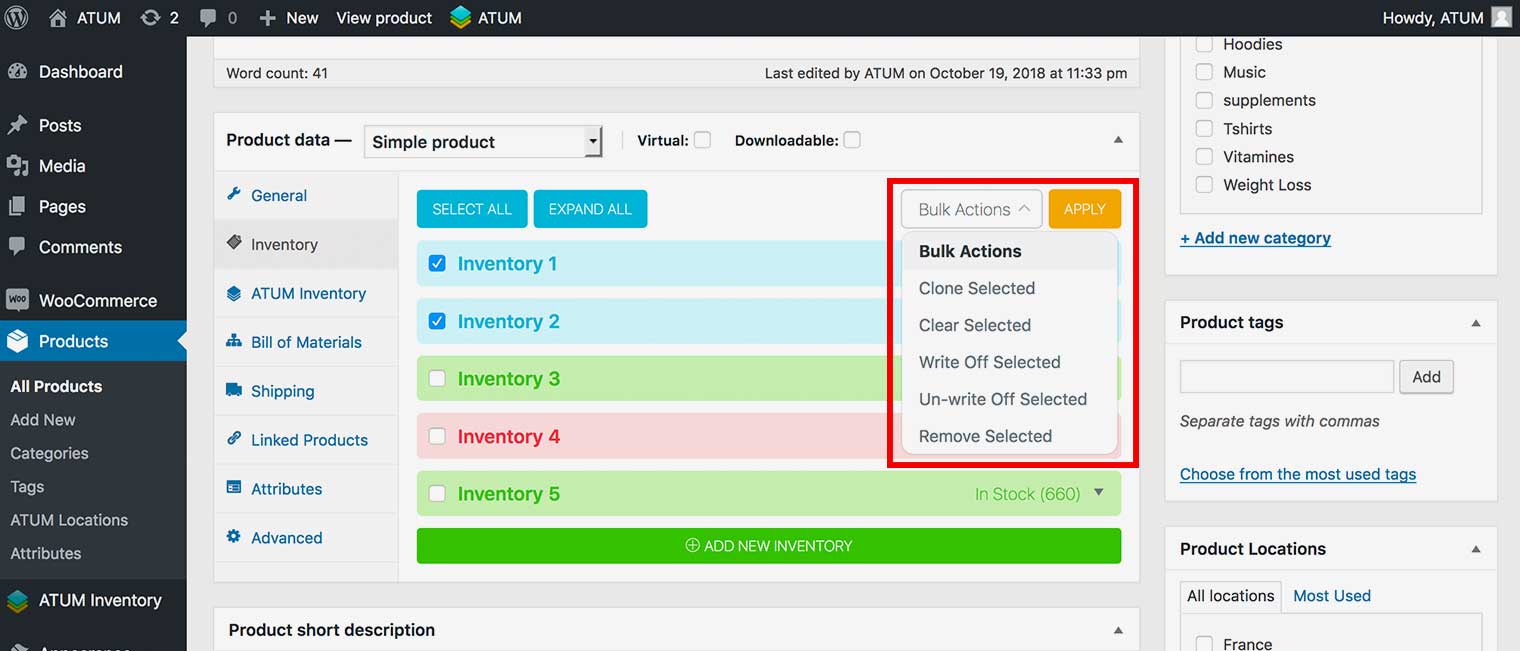
To apply bulk actions:
- Mark checkboxes of inventories you want to apply actions to first.
NOTE:The inventory box color for selected items will change to blue.
 NOTE:Use the Select All Button to mark all records at once.
 - Select the desired action within the Bulk Actions drop-down menu:
- Clone selected: Will duplicate all selected inventories.
- Clear selected: Will clear the data from all selected inventories.
- Write Off selected: Will write off selected inventories.
- Un-write Off selected: Will un-write off selected inventories.
- Remove Selected: Will permanently delete selected inventories.

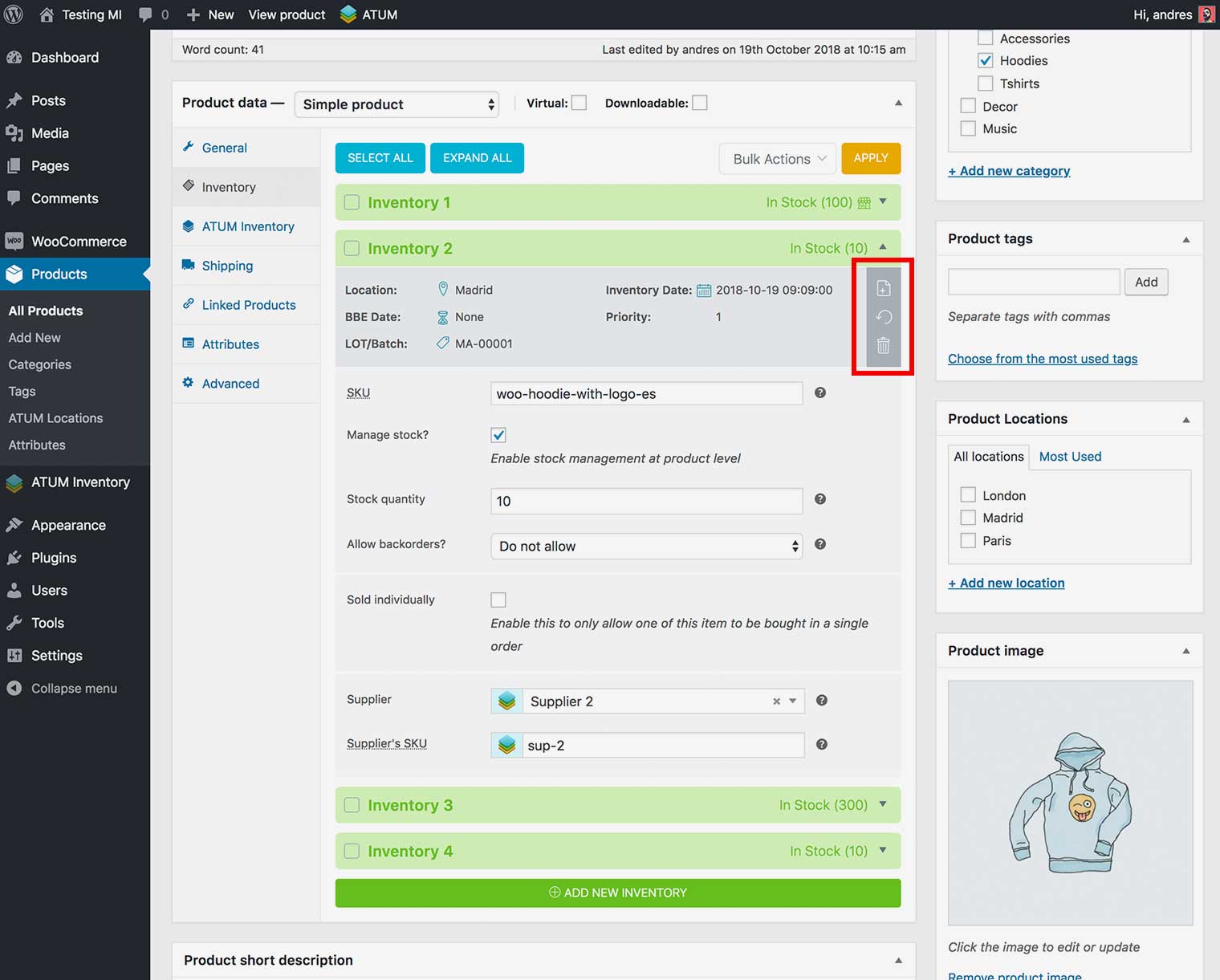
SINGLE ACTIONS
To apply single actions:
- Click the expand symbol on the right ▼ to open the inventory record.
- Chose on of the following actions:
- Clone selected: Will duplicate the inventory record.
- Clear selected: Will clear the data from the inventory record.
- Remove Selected: Will permanently delete the inventory record.