
Increase the stock from a Purchase Order in a product with Multi-Inventory records
When you received the stock from a Purchase Order you can Increase the stock in the according inventories automatically.
To Increase the stock:
- In WordPress Admin Panel go to ATUM Inventory > Purchase Orders, and select the Purchase Order you want to get the stock.
- In the products List select the product you want you get the stock. To select the product click on the product row, then will change to pink color and the Inventories will be displayed.
NOTE:You can select several products
- Click the Increase Stock button.
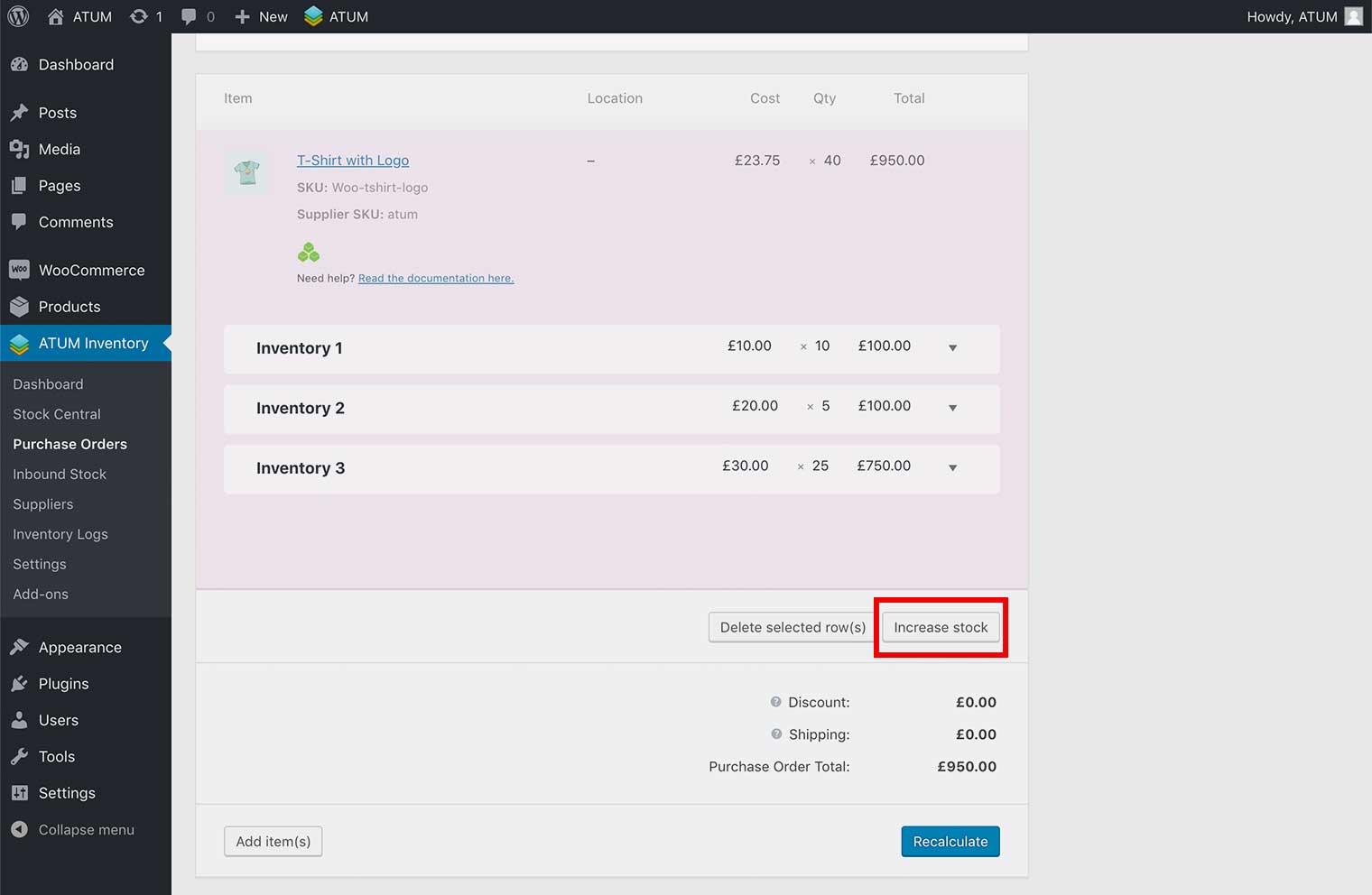
WARNING:Everytime that you click the Increase Stock button the stock quantities will be added to the product.