How to create a Product Part
To create a Product Part:
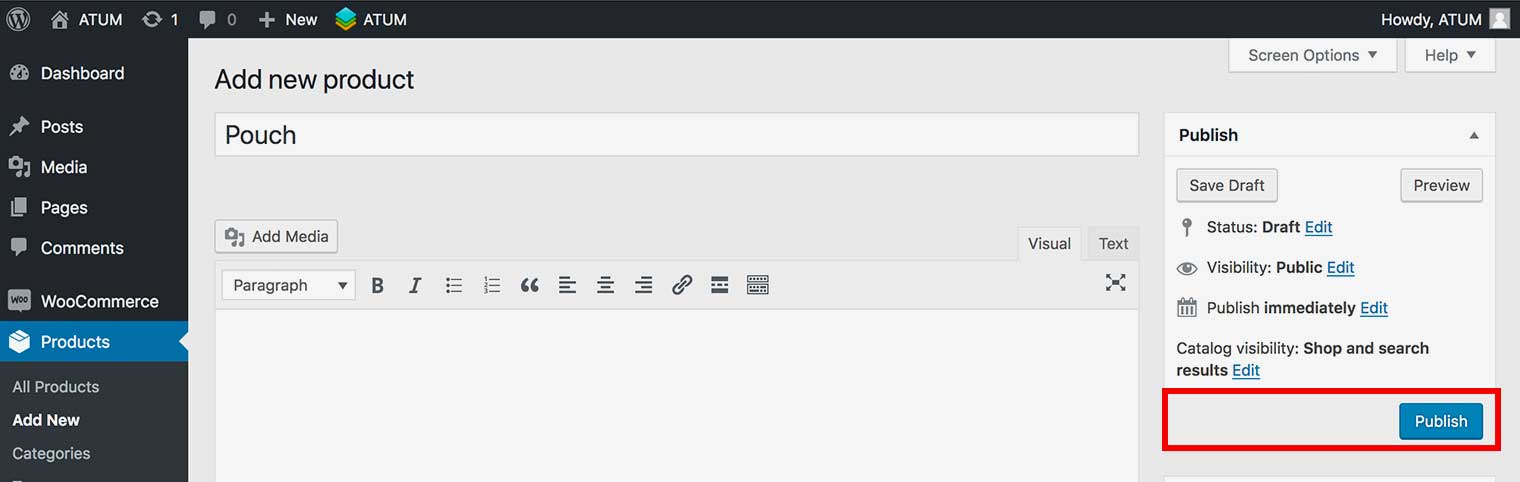
- Go to, Products > Add New.
- In Product Data section select the Product Part option from the drop-down menu.
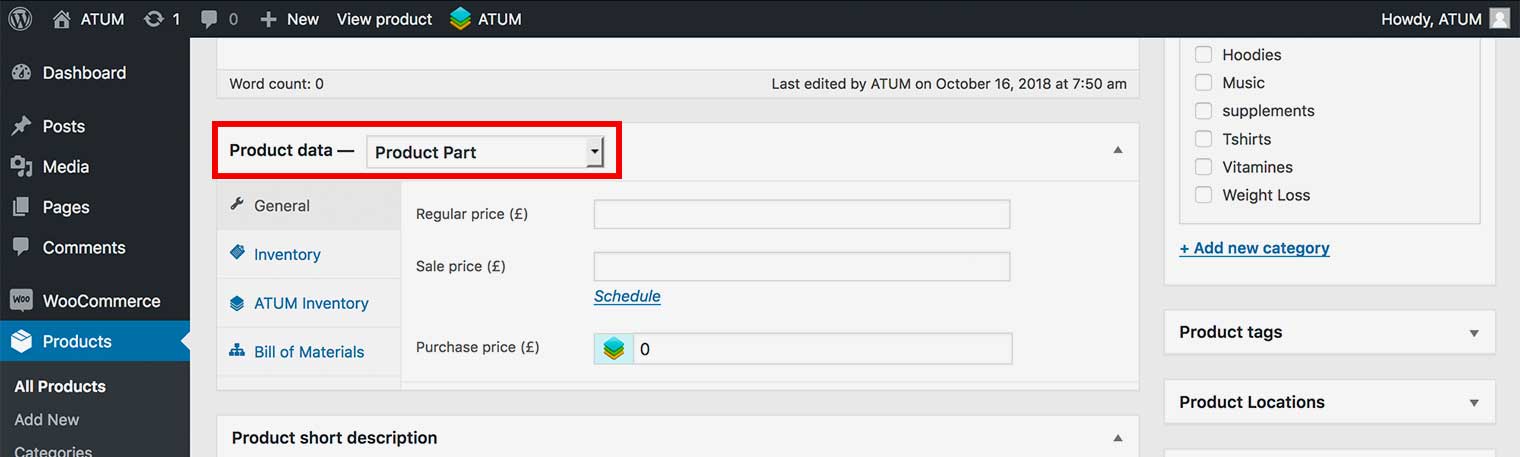
- Fill in the Product Part information within the General and Inventory Tab.
- Click Publish.