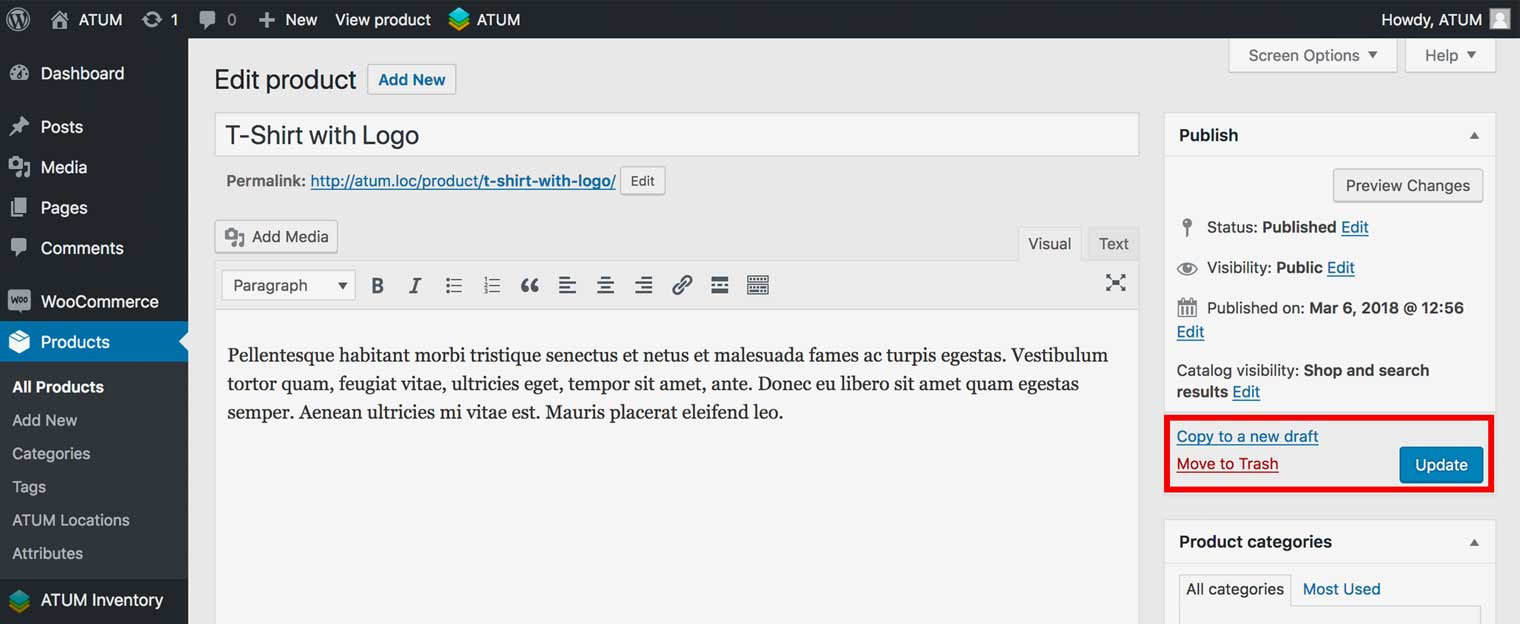
How to set the Inventory Selling Priority
ATUM Multi-Inventory premium add-on lets you add different selling priorities to inventories within a product. You have the option to set a different selling priority to each individual product or to set a global selling priority from the Multi-Inventory menu within the ATUM Settings page.
SET THE GLOBAL INVENTORY SELLING PRIORITY
- In WordPress admin panel, go to ATUM Inventory > Settings > Multi-Inventory.
- You can choose one of the store-wide options within the Inventory Selling Priority section.
For more details about the options read here.
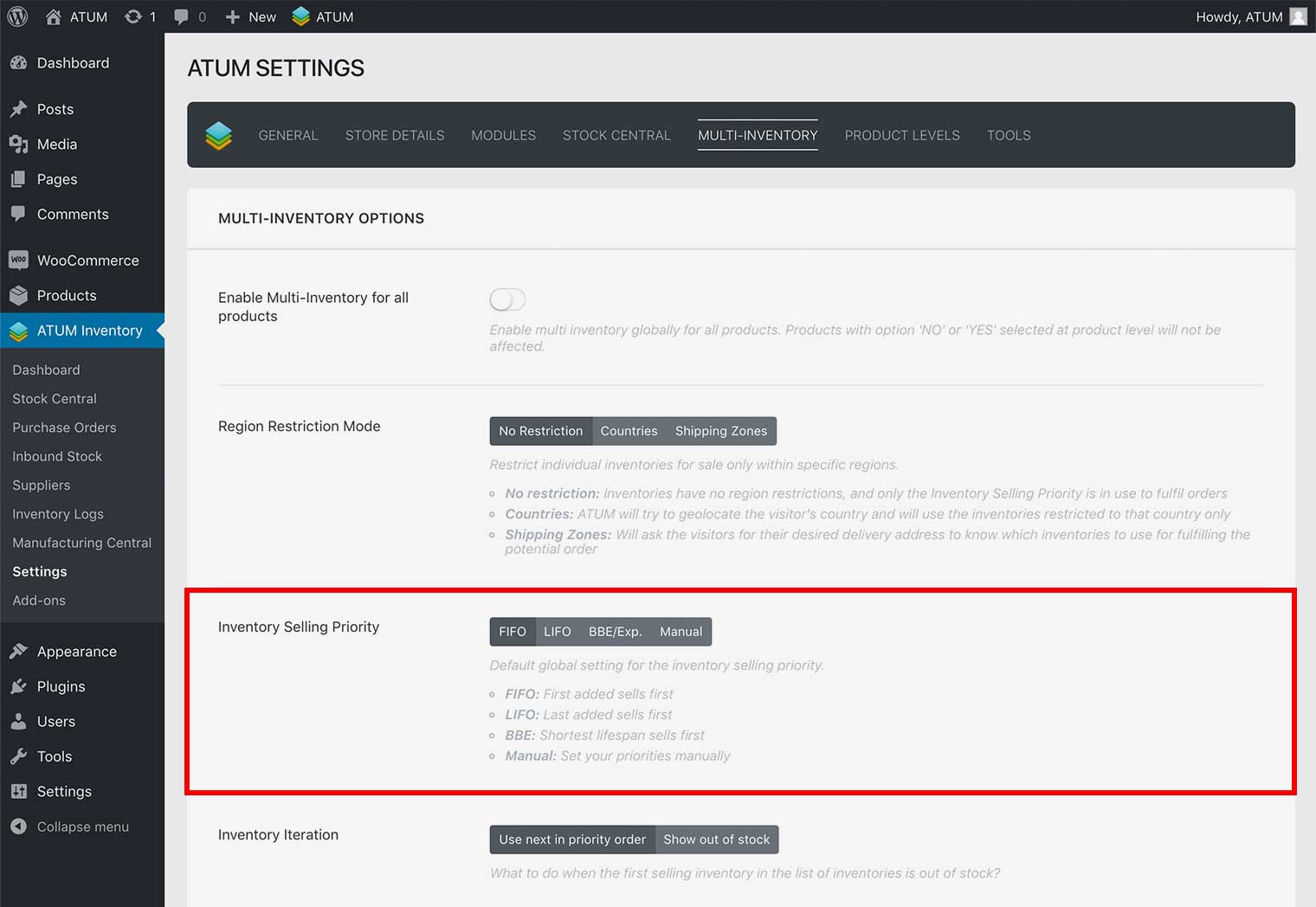
- Click Update Settings.
SET THE INVENTORY SELLING PRIORITY FOR SPECIFIC PRODUCT
- In WordPress admin panel, navigate to Products and open-edit a product you want to set selling priority.
- Navigate down the Product page to the Product data section and select the tab called ATUM Inventory.
- In Multi-Inventory Settings select the inventory selling priority for this product.
For more details about the options read here.
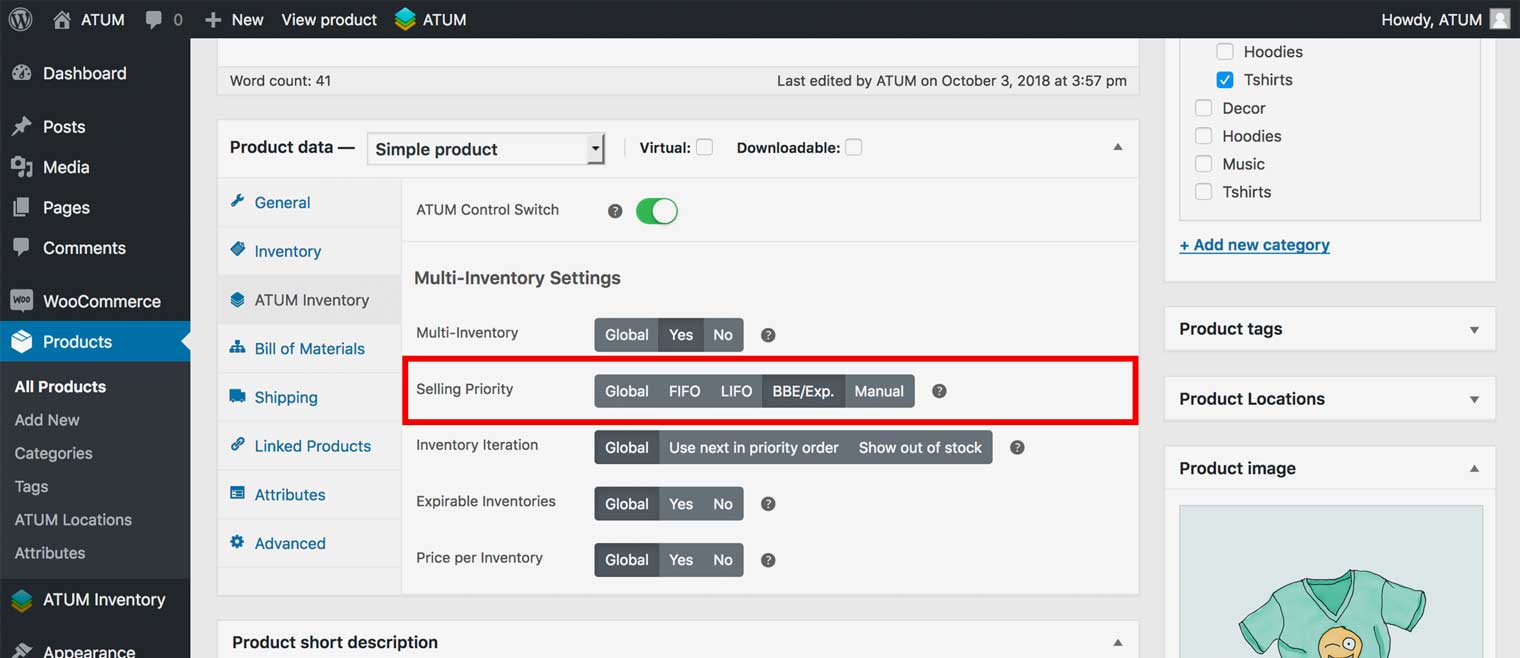
- To activate the change click the product Update button.